
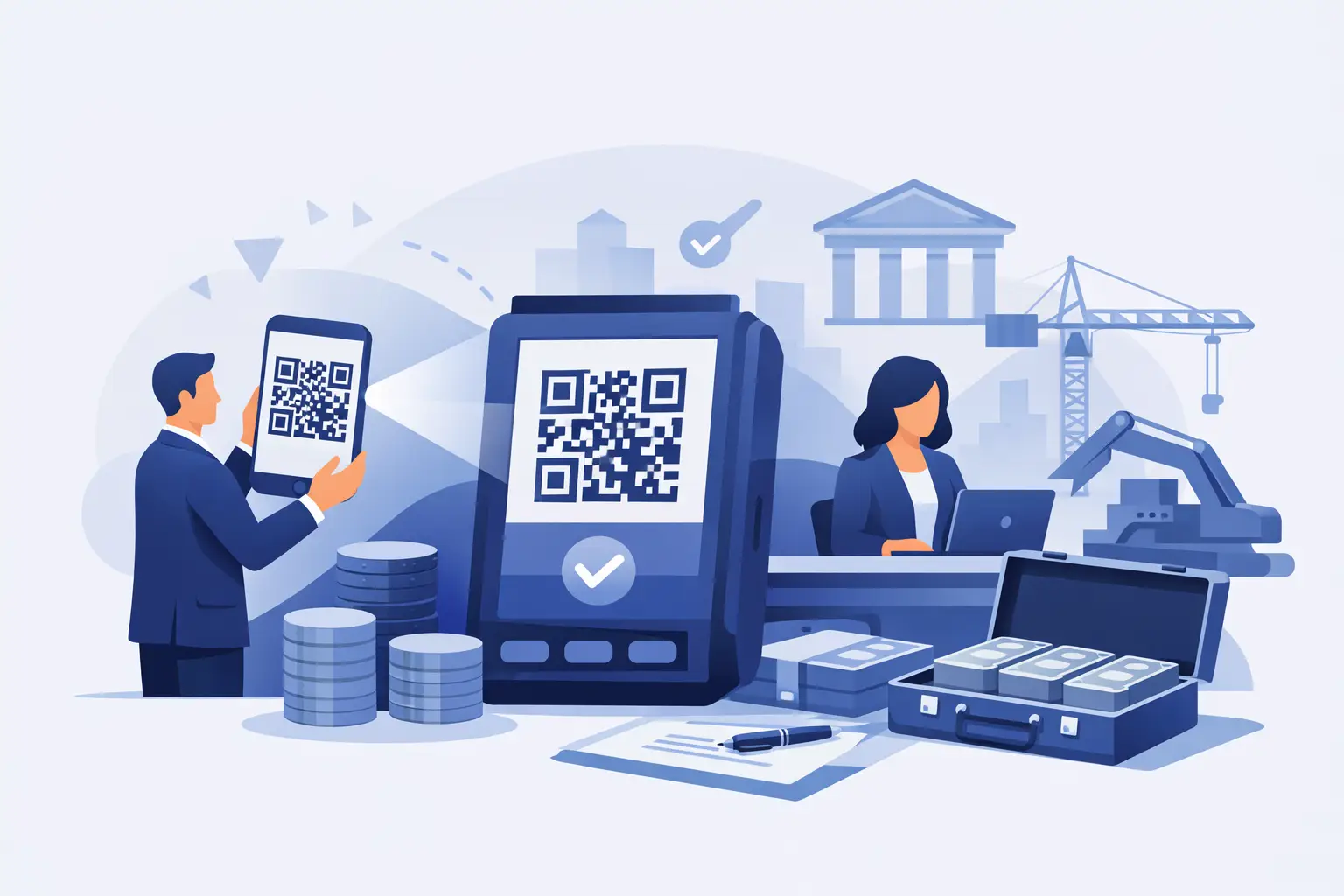
A QR code bank payment gives a customer a clear, controlled way to pay a deposit, invoice or job balance without typing in account details or ringing through a card payment. They scan the code, review the request and approve it in their own banking app. For businesses collecting larger one-off payments, that can mean less chasing, fewer payment errors and a more professional finish to the sale.
The QR code is not the payment itself. It is simply a quick route to a secure Pay-by-Bank request. The customer remains in control throughout: they choose their bank, log in through the usual bank process and authorise the payment there.
What is a QR code bank payment?
A QR code bank payment is a bank payment request presented as a scannable code. Instead of sending bank details and asking a customer to make a manual transfer, a business creates a request with the exact amount and a reference. The customer scans the code using their phone camera and is taken to a secure hosted payment page.
From there, they select their bank and are directed into their bank app or online banking journey to approve the payment. Once authorised, the payment moves directly between bank accounts through open banking. The business receives a status update and can send a confirmation or receipt without waiting for someone to search the bank account manually.
That distinction matters. A conventional bank transfer often leaves room for delay and uncertainty. The customer may intend to pay later, mistype a reference, send the wrong amount or forget altogether. A defined payment request gives both sides a clearer record of what is being paid, when and for what.
Where QR code bank payments work best
This method is particularly useful when a customer is physically present or when a business can display a code at the right moment. A garage can show a QR code when a repair is ready for collection. A bathroom installer can present one at a milestone sign-off. A clinic can use one at reception for a treatment balance. A professional-services firm can include a code on an invoice or bring it up during a client meeting.
It is also useful for businesses that take deposits before ordering materials or reserving time. Rather than asking a customer to copy and paste bank details from an email, a salesperson can show the code on a tablet, phone or printed document. The customer can pay while the conversation is still happening.
QR codes are not limited to in-person collection. The same request can usually be shared by WhatsApp, SMS or email for customers who are not on site. The right channel depends on how the job is sold. A driveway company may collect a deposit by payment link after a home visit, then use a QR code for the final balance on completion. A body repair business may use a QR code at collection because it removes a final barrier between finishing the work and receiving payment.
How the customer payment journey works
The process should be simple enough for a customer to understand in a few seconds:
- The business creates a payment request with an amount, reference and customer details where needed.
- The business displays or sends the QR code.
- The customer scans it and checks the payment details on the hosted page.
- They select their bank and approve the payment securely using their own banking app or online banking.
- The business receives a payment status update, followed by its confirmation and receipt process.
For the customer, there is no need to share card details with the business or manually key in a sort code, account number and reference. For the business, there is no need to interpret a screenshot of a transfer as proof that money has arrived.
The best payment journey is still one that is explained clearly. A simple prompt such as, “Scan this code to pay directly through your banking app,” helps customers understand what will happen next. If the request is for a deposit, state what the deposit secures. If it is a final invoice, ensure the description matches the work completed. Clear payment requests reduce questions and make approval easier.
Why higher-value payments change the calculation
For a £20 transaction, the difference between payment methods may not be a major commercial decision. For a £1,000 deposit, a £3,500 kitchen balance or a substantial repair invoice, it becomes more significant. Percentage-based card charges rise with the payment value, while manual transfer collection can consume staff time and hold up cash flow.
A Pay-by-Bank request offers a practical middle ground: the speed and structure customers expect from a digital payment process, with money paid directly from their bank account. It can be a strong option where card charges are affecting margins or where customers regularly say they will make a bank transfer later but do not do so promptly.
The right choice still depends on the situation. Some customers prefer cards for rewards, credit arrangements or familiarity. Others may not use a bank that supports the requested open-banking journey. Keeping appropriate alternatives available can be sensible, particularly for a mixed customer base. The aim is not to force every payment through one route. It is to make the lower-cost, traceable route easy to choose when it fits.
Security: what customers need to know
Open banking can sound technical, but the customer-facing explanation is straightforward. The customer authorises a specific payment in their own banking environment. The business does not see or handle their bank login details.
For UK businesses, regulated payment initiation infrastructure is used to connect the payment request to participating banks. This is different from sending a customer a message that simply contains bank account details. The customer can review the amount and payment information before approving it, and the business has a clearer audit trail of the request and its status.
Businesses should still treat QR codes carefully. Display only codes generated for genuine payment requests, make sure the amount and reference are visible to the customer, and avoid sticking static codes in places where they could be covered or replaced. For higher-value payments, staff should confirm the customer is viewing the correct request before they approve it.
A professional payment page also matters. Customers are more likely to proceed when the request identifies the business, describes what they are paying for and looks consistent with the quote or invoice they received. Configurable branding and clear descriptions are not cosmetic extras. They help the payment feel legitimate and reduce avoidable hesitation.
Building QR payments into the day-to-day process
The operational benefit comes from using QR payment requests at defined points in the customer journey, rather than offering them as an afterthought. Decide which events trigger a request: booking deposit, materials deposit, progress payment, collection balance or overdue invoice. Give each request a consistent reference so office staff can match it to the job without guesswork.
For teams in the field, a QR code can be part of the handover routine. The installer completes the work, walks the customer through what has been done, presents the final amount and invites them to scan. The office can see whether the payment is approved rather than waiting for a call saying, “They have transferred it.”
For remote collection, status tracking and reminders are just as valuable. If an invoice remains unpaid, resend the existing request rather than creating confusion with new bank details and a new reference. Reporting and CSV exports can then support reconciliation, debtor follow-up and cash-flow planning.
Kube Pay is designed for this type of higher-value collection workflow, allowing businesses to create branded Pay-by-Bank requests and share them by QR code, WhatsApp, SMS or email. Its fixed £1 per-payment charge is intended to give businesses a more predictable cost than percentage-based card processing on larger payments.
Questions to ask before using QR payment requests
Before introducing QR payments, check whether your team can explain the process confidently and whether the request includes enough context for customers. The amount, job or invoice reference, business name and reason for payment should be immediately clear. Consider where the code will be shown, who can create or amend requests, and how payment confirmation will be recorded against the job.
It is also worth agreeing what happens if a customer cannot or does not want to pay by bank. A sensible backup process prevents an otherwise straightforward collection from becoming awkward. The best result is not a complicated payment policy. It is a quick route for most customers, with a clear alternative for the exceptions.
When payment is made easy at the point a customer is ready to proceed, cash collection becomes part of the job process rather than a separate chasing exercise. A well-presented QR code can be a small operational change that helps a business finish work, confirm payment and move on to the next job with greater certainty.